Changelogs
Stay up to date with the latest changes and enhancements.
Stay up to date with the latest changes and enhancements.
17. Jul 2026
Share
 New
New
Add to Calendar button for booked appointments
Let your leads save their booked call with one click. Design the button in ROASForm, copy the snippet, and paste it on your thank you page. Each booking fills in that lead's appointment details automatically, so one snippet works for every booking.
Works with Google Calendar, Apple Calendar, Outlook, Office 365, and Yahoo, and you control the layout, shape, size, and colors to match your page.
Where to find it: in the Form Builder, open your calendar ending, set After booking to "Redirect to URL", and click Add to Calendar Button.
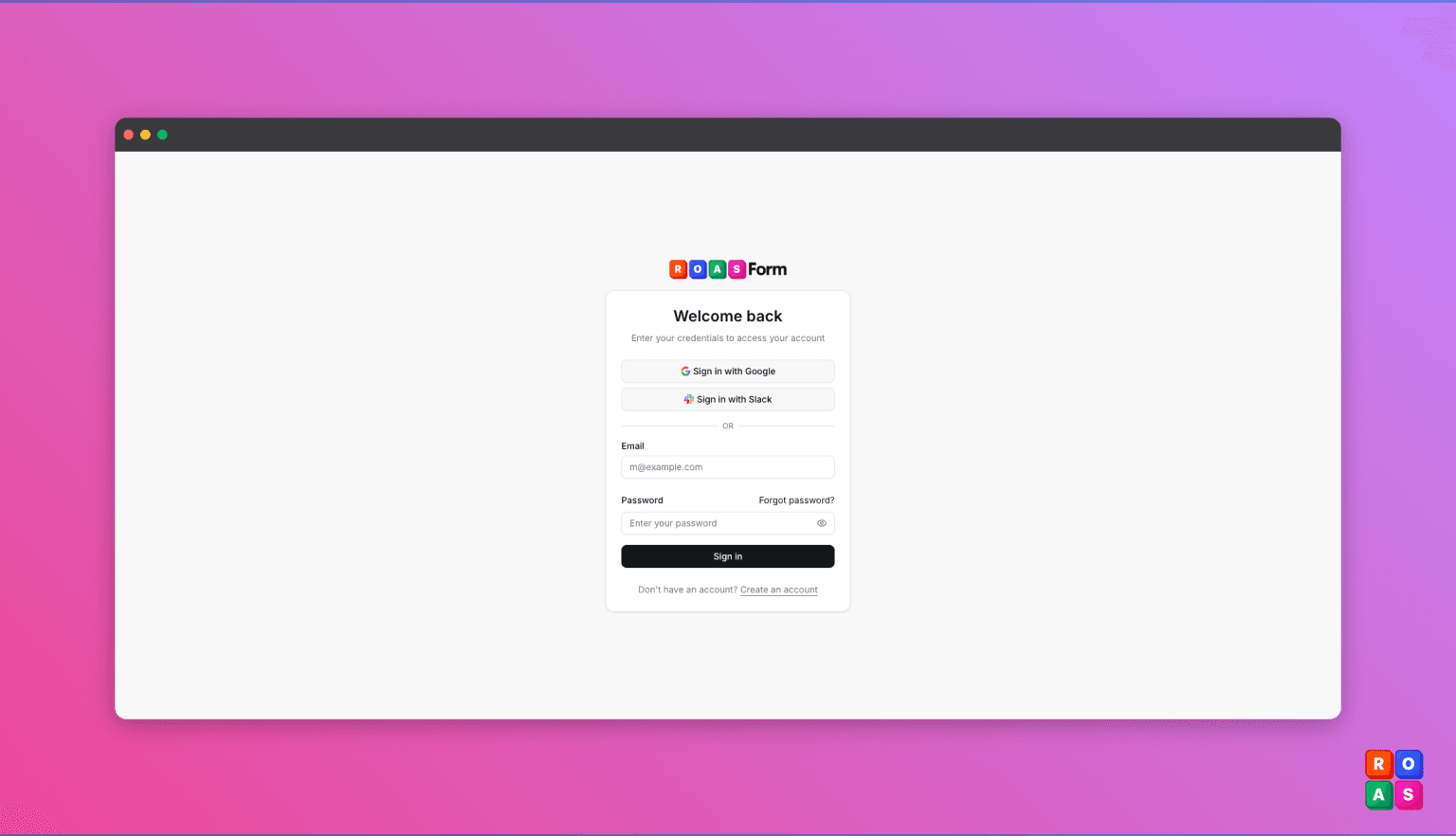
Sign in with Google or Slack
Create your account or sign in with a single click, no password needed. Already have an account? Connect Google or Slack from your Profile Settings under Connected Accounts, and use it to sign in from then on.
Expand or collapse all submission groups at once
When your submissions are grouped, one click now opens or closes every group together instead of one at a time.
Where to find it: on your form's Submissions page, next to the Group button (it appears while grouping is active).